Section 002 · Commissions

Commissions on studio aren't a DM thread you have to scroll back through. They're a structured agreement, a deposit held in escrow, and a single shared place for the work to happen.
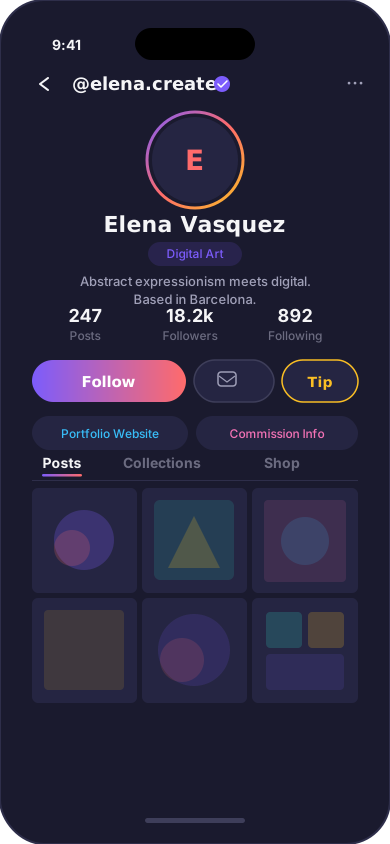
Collectors land on your profile, tap "request a commission," and answer the questions you set. Use the defaults — references, format, size, deadline, intended use — or write your own. Required fields don't get past you. Vague briefs don't get past you either.
If something's missing when it arrives, you reply in the thread to ask. If it's right, you set your terms and accept.
"Hey can you draw my OC?" stops being a viable brief the moment the form has fields.
The brief is in. You can negotiate, ask for clarification, set a price, or decline. The collector is told either way.
You've agreed on terms. The deposit moves from the collector's card into escrow. The deadline counts from here.
You work. Drafts go in the thread. Revisions happen inside the count you set. If they want more rounds than that, an upcharge is offered before they're agreed.
You upload final files. The collector signs off. The balance settles. The thread is archived but not deleted — you can pull it back up any time.
It's on your earnings page. It's in your portfolio if you want it there. It's not in your unread DMs.
Tattooists, photographers, recording engineers, anyone who books time as much as they sell objects — when a session commission is accepted, it goes on your calendar. Studio syncs with Google Calendar in both directions: your existing busy times block new bookings, and accepted bookings appear next to your dentist appointments.
You can publish a read-only iCal feed of your bookings to share with a studio manager, a partner, or your accountant.
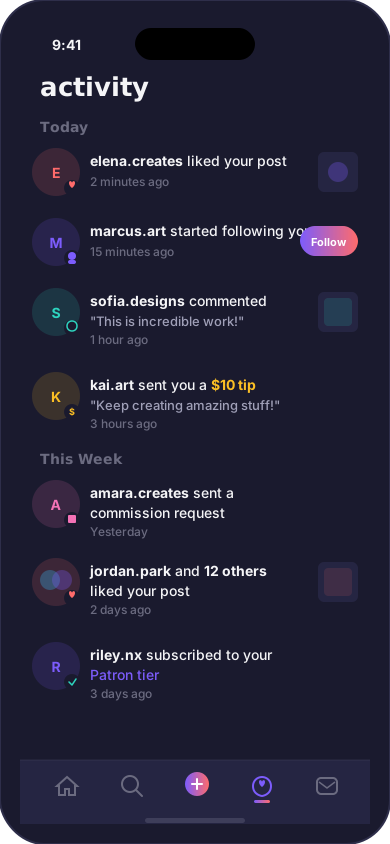
A request in DMs, four follow-up questions to get the brief.
Verbal pricing, easy to dispute.
"Just one more tweak," for the ninth time.
Chasing the invoice for a fortnight.
The thread vanishes when you archive your inbox.
A brief with the fields you actually need.
Written terms before work starts.
Revisions inside the count you set. Extras are priced.
Deposit on acceptance, balance on delivery.
The thread is archived in your dashboard, dated.
Set up your profile, switch your commissions toggle to open, and the form is on your page.